Technology-supported learning can sound simple in principle: choose a topic, select a tool, and ask students to create something meaningful. In practice, effective planning has to balance objectives, pacing, accessibility, feedback, student agency, available technology, and uneven access beyond school hours.
AI can help organize that complexity—but only when the planning request gives it a useful structure. A loosely written prompt may produce creative activities, yet still leave key decisions unresolved: Which objective comes first? What can realistically fit into the schedule? Which tools are actually approved? How will students with different reading levels and technology skills participate?
The solution is not merely adding more information. It is organizing the information so the model can distinguish the central task, non-negotiable requirements, and real classroom constraints.
Key Takeaways
- A structured prompt helps AI prioritize objectives, engagement, accessibility, assessment, tools, and learner context.
- Topic, target audience, and duration establish the planning frame for a feasible digital learning experience.
- Model outputs differ: Claude favors differentiation, Gemini clarifies sequence, and Minimax broadens the framework.
- Professional review remains necessary to verify timing, available tools, accessibility, and classroom fit.
Table of Contents
- The Prompt Transformation: From Ingredients to Instructional Design
- Why This Structure Produces Better Learning Designs
- Case Study: Emily’s Sixth-Grade Digital Citizenship Unit
- The AI Model Showdown: What the Same Brief Revealed
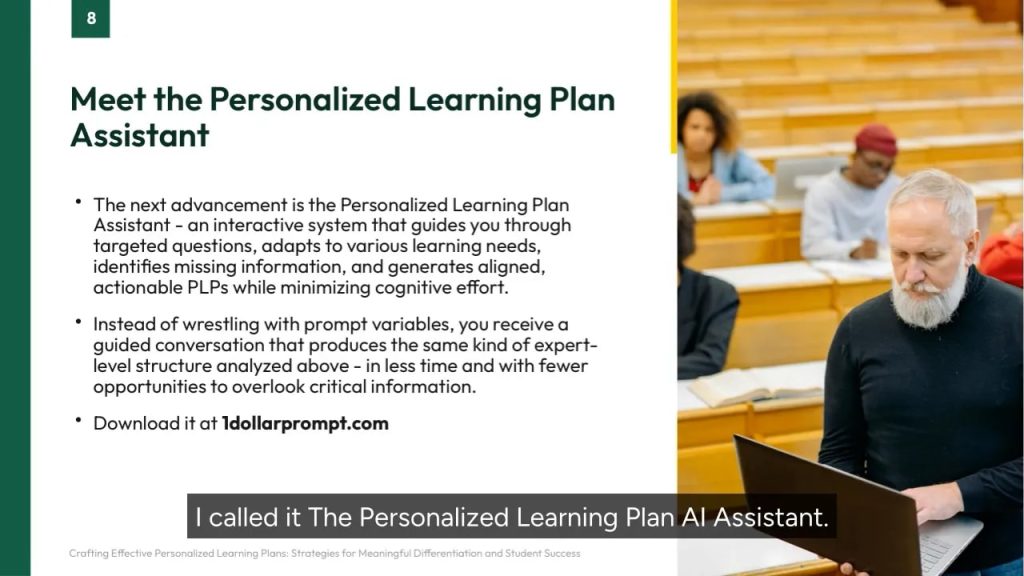
- From Prompt Optimization to a Guided Planning Assistant
- Final Thoughts
The Prompt Transformation: From Ingredients to Instructional Design
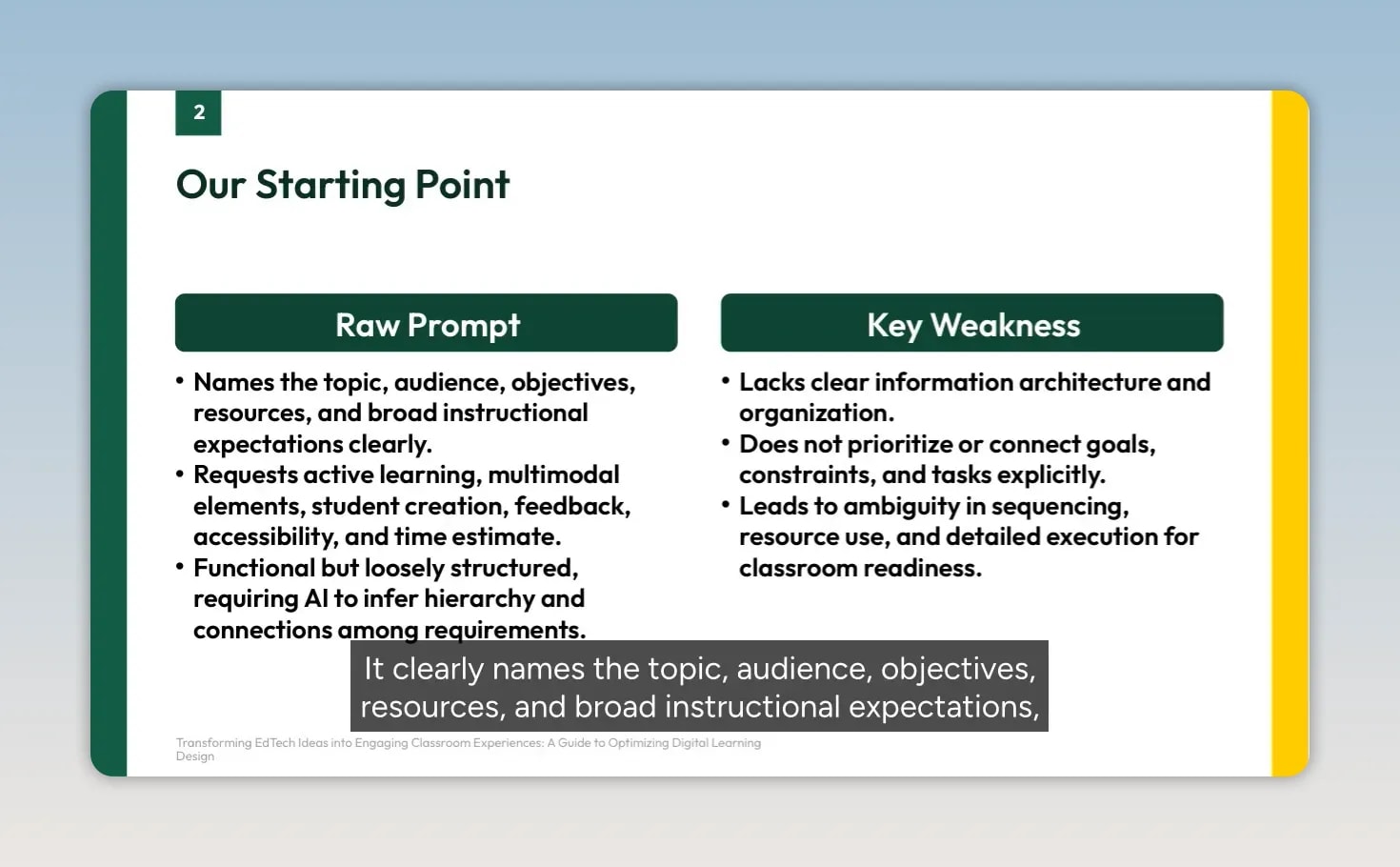
A raw request often contains the right ingredients: topic, grade level, objectives, tools, duration, and a desire for engaging learning. Its weakness is information architecture. The AI has to infer priorities, sequence activities, and decide what “accessible” or “active” means in a particular classroom.
The Raw Prompt
Create a digital learning experience about [TOPIC] for my [GRADE LEVEL] students using technology resources that are available to them: [LIST AVAILABLE TECHNOLOGY].

The experience should:
- Address these learning objectives: [LIST OBJECTIVES]
- Engage students in active learning rather than passive consumption
- Include multimodal elements: visual, audio, and interactive
- Allow for student creation or contribution
- Provide opportunities for feedback or assessment
- Be accessible to students with different technology skill levels
- Take approximately [TIME] to complete

My students' technology access and skills are:
[DESCRIBE ACCESS/SKILLS]
This is functional, but it asks the model to make too many planning decisions silently. A response could offer an exciting project while overlooking whether it fits the allotted time, uses available tools, or gives students enough scaffolding to succeed.
The Optimized Prompt
You are an expert Instructional Designer specializing in K-12 digital learning environments and technology integration. Your primary goal is to design an engaging, effective, and feasible digital learning experience based on the specific constraints provided.

Your task is to design a comprehensive digital learning experience centered around the following core elements:
- Topic: [TOPIC]
- Target Audience: [GRADE LEVEL] students
- Duration: Approximately [TIME]

The design must satisfy all of the following requirements:
1. Learning Objectives: Directly address [LIST OBJECTIVES].
2. Engagement Model: Prioritize active learning such as problem-solving, inquiry, and collaboration.
3. Multimodality: Incorporate visual, audio, and interactive elements.
4. Student Agency: Include meaningful student creation or contribution.
5. Assessment/Feedback: Integrate clear formative or summative assessment.
6. Accessibility & Skill Level: Accommodate varying technology proficiency and skill levels.

The design must be constrained by:
- Available Technology: [LIST AVAILABLE TECHNOLOGY]
- Student Context: [DESCRIBE ACCESS/SKILLS]
The optimized version does more than sound polished. It assigns an expert lens, defines a central task, establishes the planning frame, and explicitly separates the six pedagogical requirements from resource constraints. It asks for an experience that is engaging, effective, and – most importantly – feasible.
Why This Structure Produces Better Learning Designs
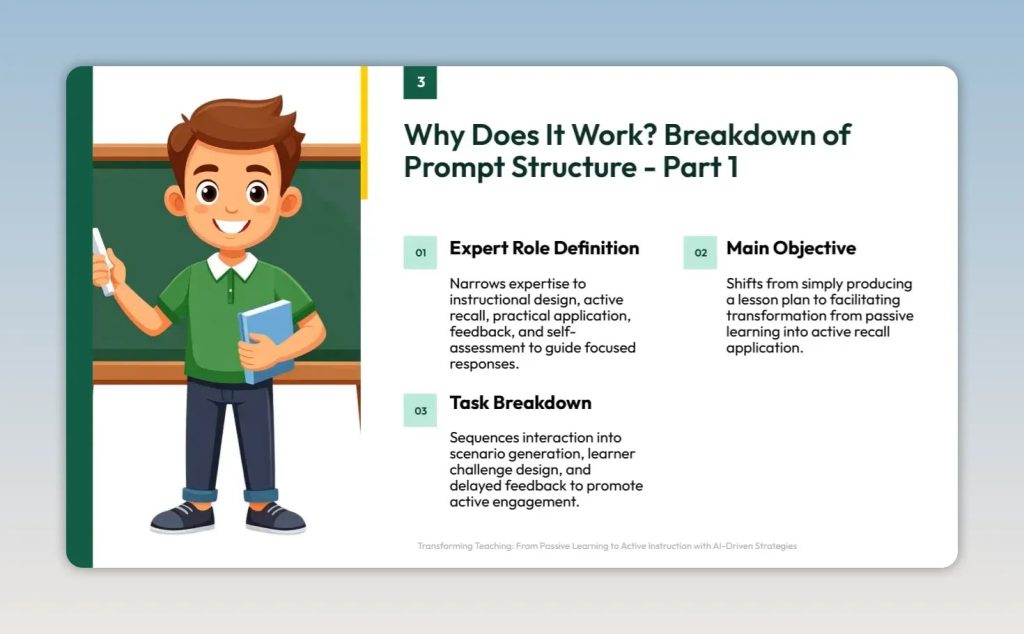
1. Start with an expert role
Defining the model as an instructional designer specializing in K–12 digital learning shifts the output beyond a list of disconnected activities. The model is guided toward sequencing, alignment, differentiation, assessment, and practical classroom implementation.
The word feasible matters. It signals that novelty is not the goal; the design must work within the stated environment.
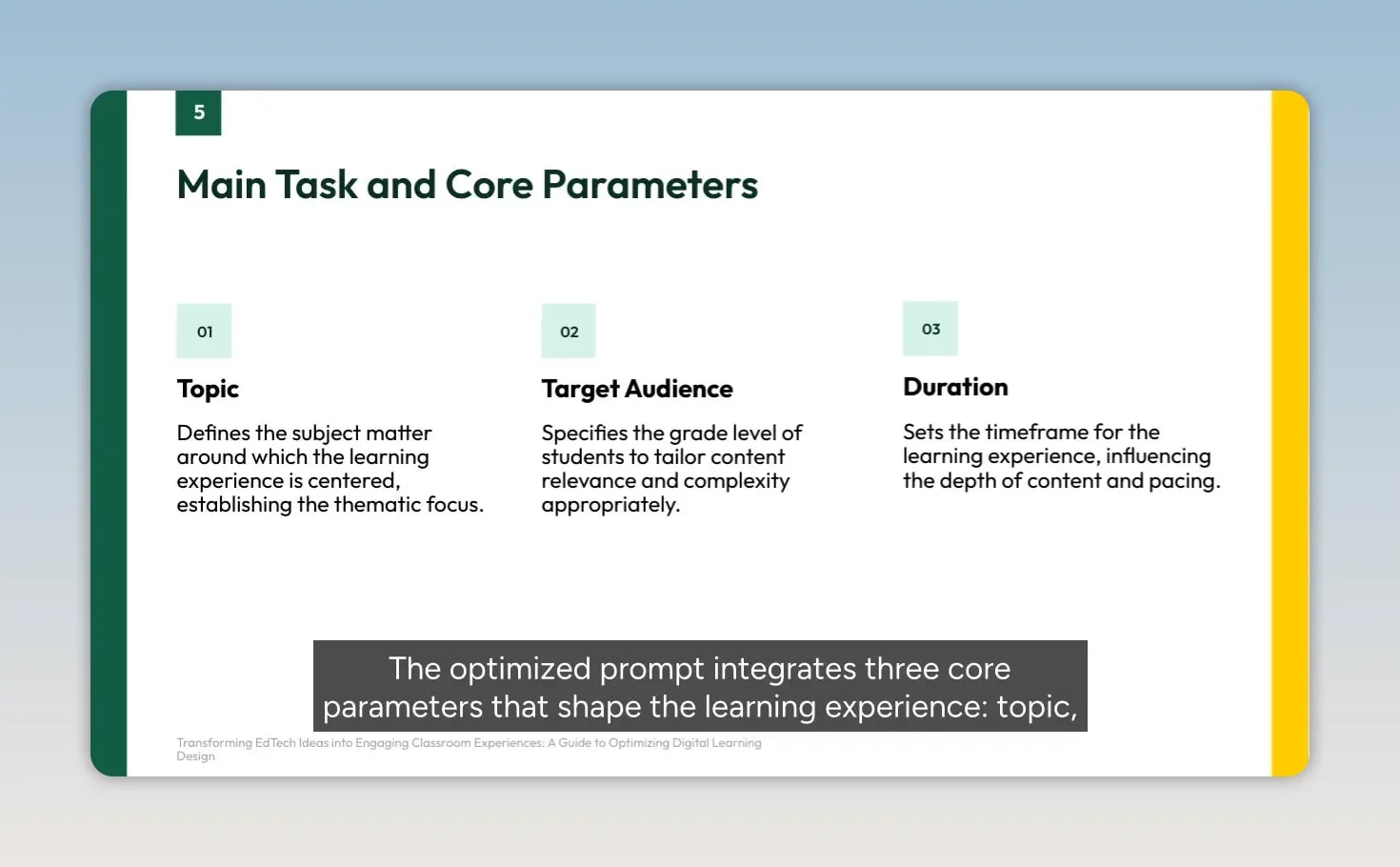
2. Establish the three core parameters
Every plan needs a clear frame:
- Topic establishes the subject focus.
- Target audience determines age-appropriate complexity, relevance, and independence.
- Duration determines the depth, pacing, and number of realistic learning experiences.
A three-week middle-school unit demands a different structure from a single 30-minute elementary lesson. Isolating these variables makes them harder for the model to overlook.
3. Turn expectations into auditable requirements
Numbered requirements make it easier to evaluate an AI-generated plan. (1) Learning objectives become design anchors rather than a sentence buried at the top. (2) Active engagement encourages inquiry, problem-solving, and collaboration instead of a lesson built around slides or videos alone.
(3) Multimodality creates multiple entry points through visual, audio, and interactive elements. (4) Student agency requires students to create, explain, decide, or contribute – not simply consume content. (5) Assessment and feedback are designed in from the start, while (6) accessibility prompts the model to consider scaffolds, templates, peer support, alternative formats, and varied technology proficiency.
4. Treat classroom context as a boundary
Available technology and student context are not background notes. They are design constraints. If Google Workspace is the approved environment, the plan should not casually depend on unrelated premium software. If some students rely on school-only Wi-Fi, activities should not require home internet access to be completed successfully.
This context-first approach aligns with the broader accessibility principle of designing for learner variability, an idea central to the Universal Design for Learning Guidelines from CAST.
Case Study: Emily’s Sixth-Grade Digital Citizenship Unit
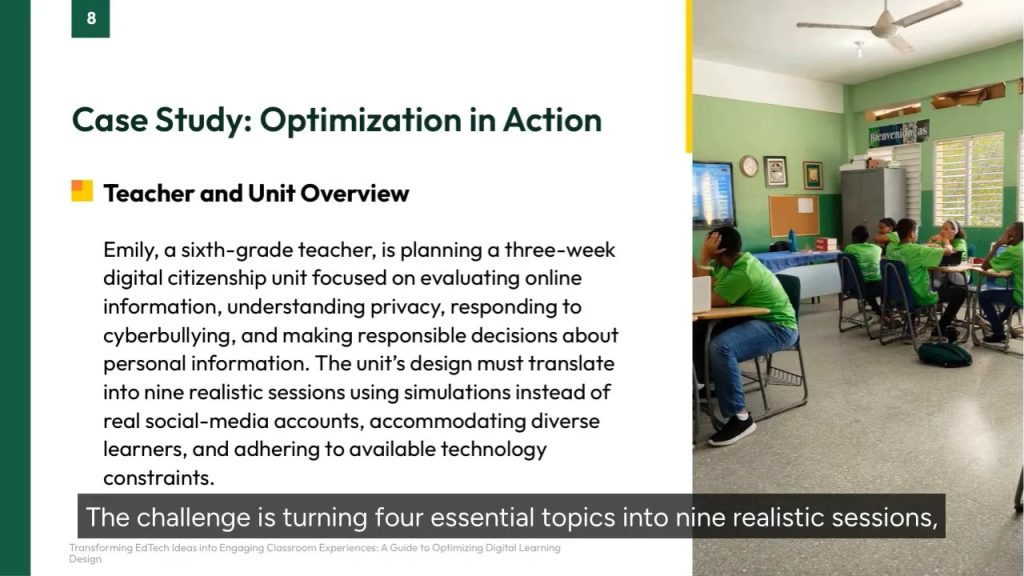
Consider Emily, a sixth-grade teacher building a three-week digital citizenship unit. Her task is demanding: turn four essential topics into nine realistic sessions while using simulations instead of real social-media accounts, supporting diverse learners, and staying within the classroom technology already available.
| Planning input | Emily’s context |
|---|---|
| Topic | Digital citizenship and online safety |
| Schedule | Three weeks, nine 45-minute sessions |
| Objectives | Evaluate credible sources; understand privacy and digital footprints; respond to cyberbullying; share personal information responsibly |
| Technology | Chromebooks, Google Workspace, Padlet, Flipgrid, Jamboard, headphones, interactive whiteboard, school-hours Wi-Fi |
| Learner context | Mixed reading levels, English language learners, students needing text-to-speech and extended time, and students relying primarily on school technology |
The strength of this test case is that content coverage alone is not enough. The plan must be safe, accessible, paced across nine meetings, and grounded in tools Emily can genuinely use.
The AI Model Showdown: What the Same Brief Revealed
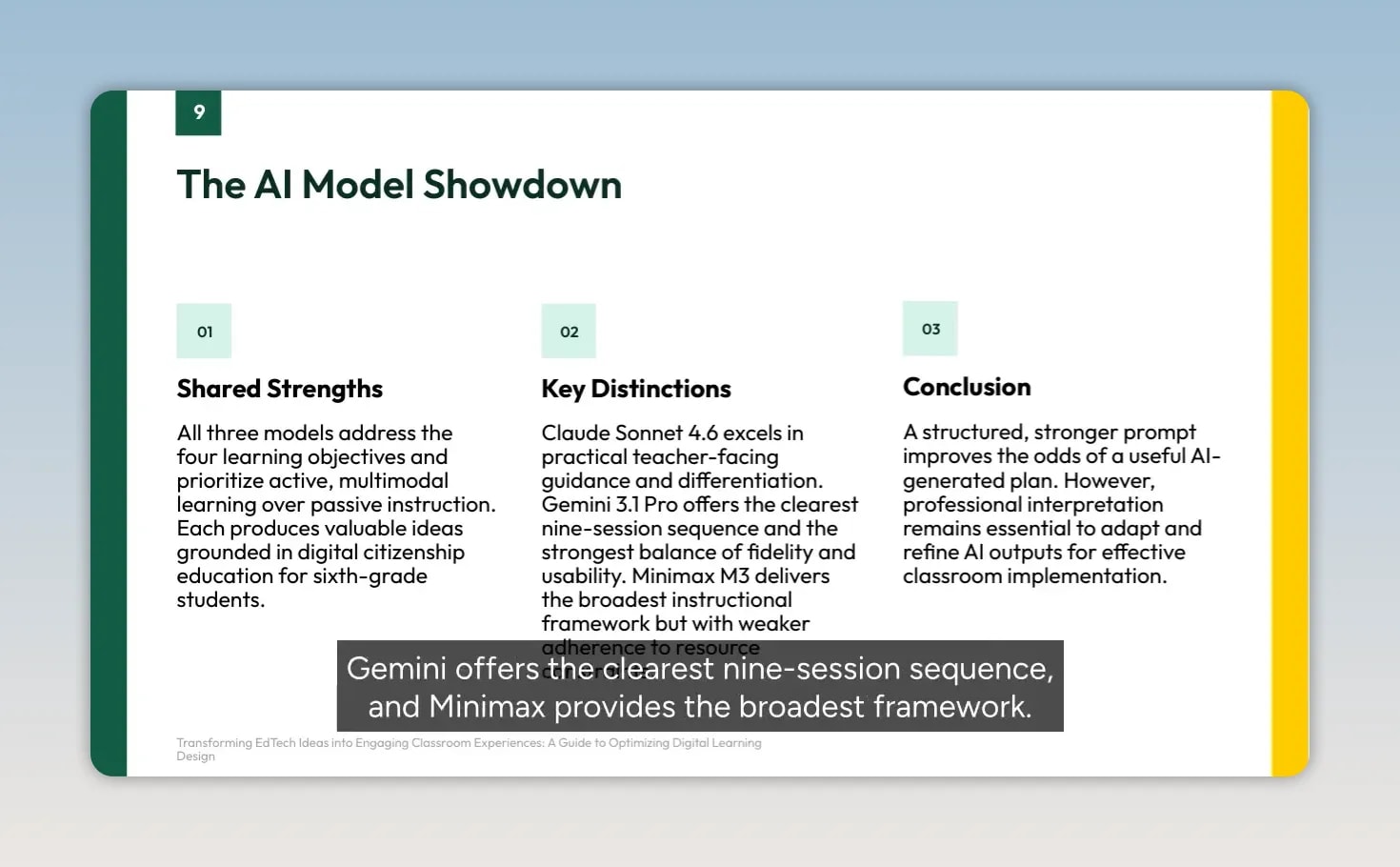
Three models approached Emily’s brief with shared strengths: each addressed the four objectives and proposed active, multimodal digital citizenship learning. Their planning tendencies, however, were different.
- Claude emphasized practical differentiation, including concrete supports for varying skills and learner needs.
- Gemini produced the clearest nine-session sequence, making the requested schedule especially easy to inspect.
- Minimax supplied the broadest instructional framework, organizing the unit around engagement, multimodality, agency, and assessment.
Those differences are useful because they show why a well-structured prompt is not an automatic lesson plan. An AI model can meet headings and still make different assumptions about timing, tool access, preparation demands, or student independence.
What to keep from each approach
Claude’s practical differentiation is valuable when a class includes a wide range of reading and technology skills. Sentence starters, curated resources, text-to-speech, visual aids, and extended time are more actionable than a generic statement that a lesson should be inclusive.
Gemini’s clearest contribution is sequence. A strong unit moves students from recognizing credibility clues to applying them, then from understanding privacy concepts to making responsible choices and responding to cyberbullying scenarios. A visible nine-session progression makes pacing easier to review before instruction begins.
Minimax’s broader framework helps educators audit a plan. It makes objectives, instructional methods, multimodality, agency, formative assessment, and summative assessment visible. The caution is constraint discipline: an appealing recommendation is not useful if it requires unapproved or unavailable tools.
The practical synthesis is straightforward: use a clear session sequence as the backbone, add explicit differentiation, keep the assessment framework visible, and remove anything that does not fit the approved technology or school-access reality.
From Prompt Optimization to a Guided Planning Assistant
An optimized prompt is a reusable planning asset, but it still creates work. Each use requires educators to collect learner context, remember critical variables, format the inputs, and ensure constraints remain visible.
A guided Digital Learning Experience Designer helps reduce that friction by asking focused questions instead of requiring a fully constructed brief upfront:
- What should students know or be able to do?
- How much instructional time is available?
- Which tools are approved?
- Can students access technology outside school?
- Which accommodations or language supports are needed?
- What evidence of learning would be appropriate?
The goal is not to remove professional judgment. It is to organize complexity, surface missing context, and preserve more attention for the instructional decisions only an educator can make.
Final Thoughts
The raw EdTech prompt already contains important ingredients. Optimization makes those ingredients useful by defining an expert role, establishing a planning frame, turning expectations into explicit requirements, and treating technology and learner context as genuine boundaries.
Emily’s digital citizenship unit makes the lesson clear: AI can generate valuable options, but professional interpretation remains essential. Review the schedule, verify every tool, inspect accessibility supports, confirm individual evidence of learning, and adapt the plan to the people and conditions in front of you.
Educational AI is most useful when it helps organize ambitious ideas into active, accessible, and meaningful learning experiences—without asking educators to surrender their expertise.
Frequently Asked Questions
Why is an optimized EdTech prompt better than a longer basic request?
An optimized prompt establishes a hierarchy. It tells the model which objectives, pedagogical requirements, resource limits, and learner conditions must guide the design rather than leaving those priorities implicit.
What information should an AI lesson-planning prompt include?
Include the topic, student audience, duration, learning objectives, desired engagement model, multimodal needs, student-creation expectations, assessment needs, available technology, and relevant learner access or skill context.
Can an AI-generated digital learning plan be used without revision?
No. Review the sequence, time allocations, tool availability, accessibility supports, assessment evidence, and assumptions about student access before implementation.