Articles for tag: AI promptinginstructional design

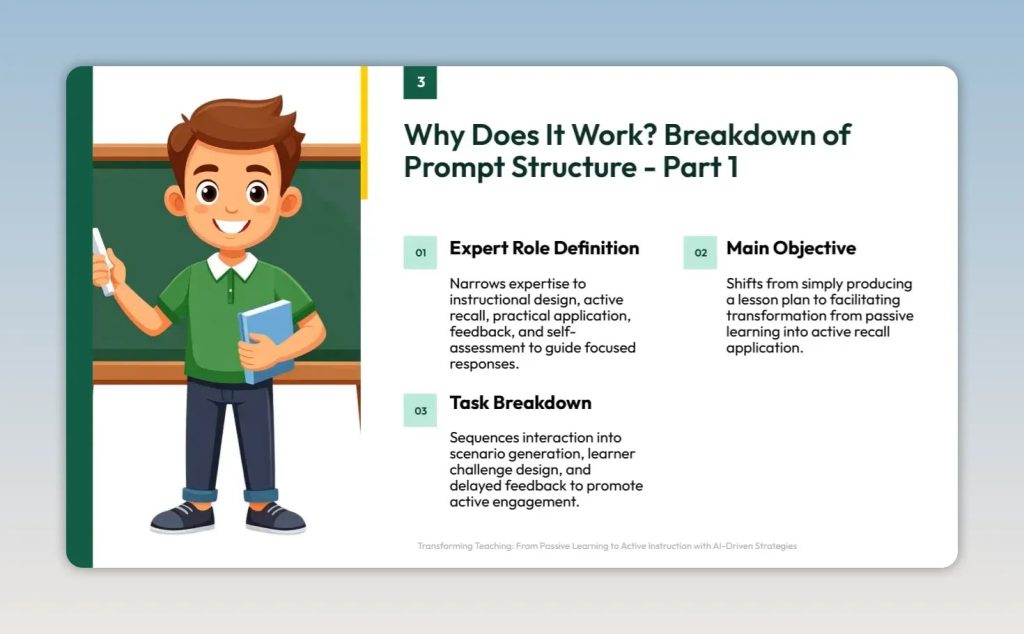
Slide titled Why Does It Work with expert role definition main objective and task breakdown

How to Build 15-Minute Mini-Lesson Challenges With This 4-Stage AI Workflow

You can understand an instructional strategy on paper and still struggle to use it when a real teaching problem appears. The gap is familiar to teachers, corporate trainers, and learning-and-development leaders: theory makes sense, but a low-energy group, mixed experience levels, and an unclear misconception require quick professional judgment. AI can help close that gap—but not when it simply produces a lesson plan on demand. A stronger approach turns AI into a practice environment: it gives you a realistic scenario, asks you to design a response, and withholds the expert model until you have committed to your own plan. This
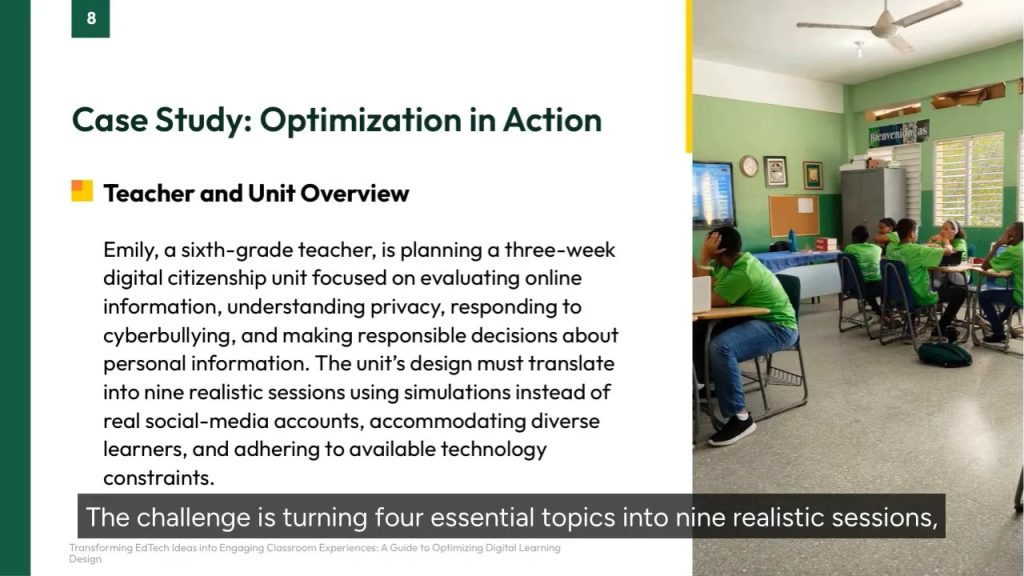
Slide titled Case Study Optimization in Action with classroom photo

6 Prompt Requirements That Turn Vague EdTech Ideas Into Classroom-Ready Learning Plans

Technology-supported learning can sound simple in principle: choose a topic, select a tool, and ask students to create something meaningful. In practice, effective planning has to balance objectives, pacing, accessibility, feedback, student agency, available technology, and uneven access beyond school hours. AI can help organize that complexity—but only when the planning request gives it a useful structure. A loosely written prompt may produce creative activities, yet still leave key decisions unresolved: Which objective comes first? What can realistically fit into the schedule? Which tools are actually approved? How will students with different reading levels and technology skills participate? The solution

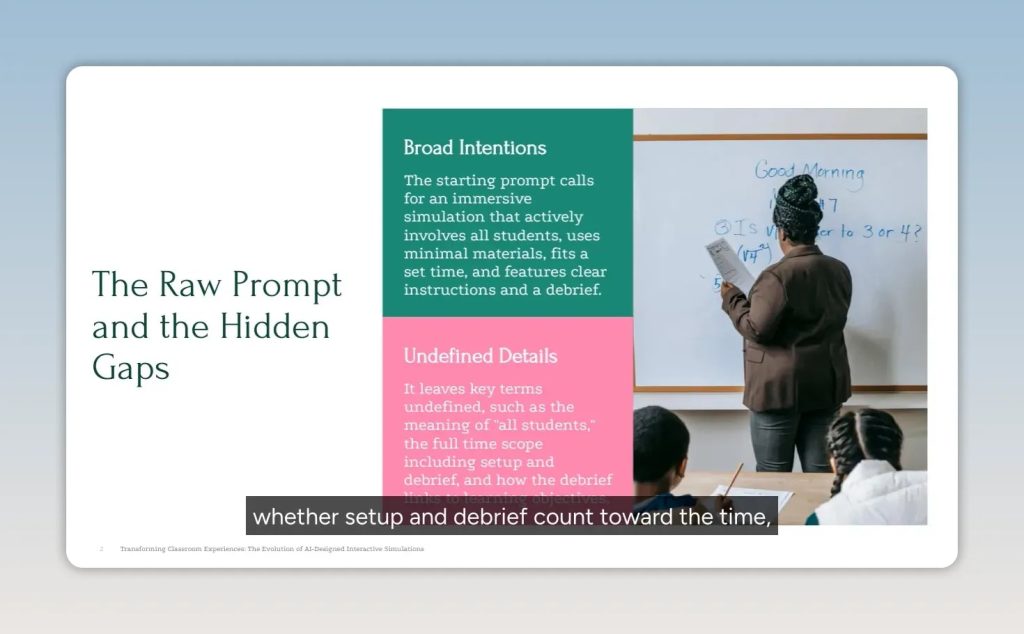
Slide titled The Raw Prompt and the Hidden Gaps with broad intentions and undefined details

6 Checks for Making AI-Generated Simulations Classroom-Ready

A teacher asks AI to design an interactive simulation about photosynthesis and receives an idea that sounds energetic – but cannot fit the class, the materials, the timetable, or the science. This is the central challenge of educational AI. A broad request may express admirable intentions: make an abstract concept concrete, involve every student, use minimal materials, and include a debrief. Yet those intentions alone leave too much for the model to interpret. The result can be a lesson with more roles than students, excessive preparation, vague facilitation, or an oversimplified scientific model. Better prompt design does not mean adding

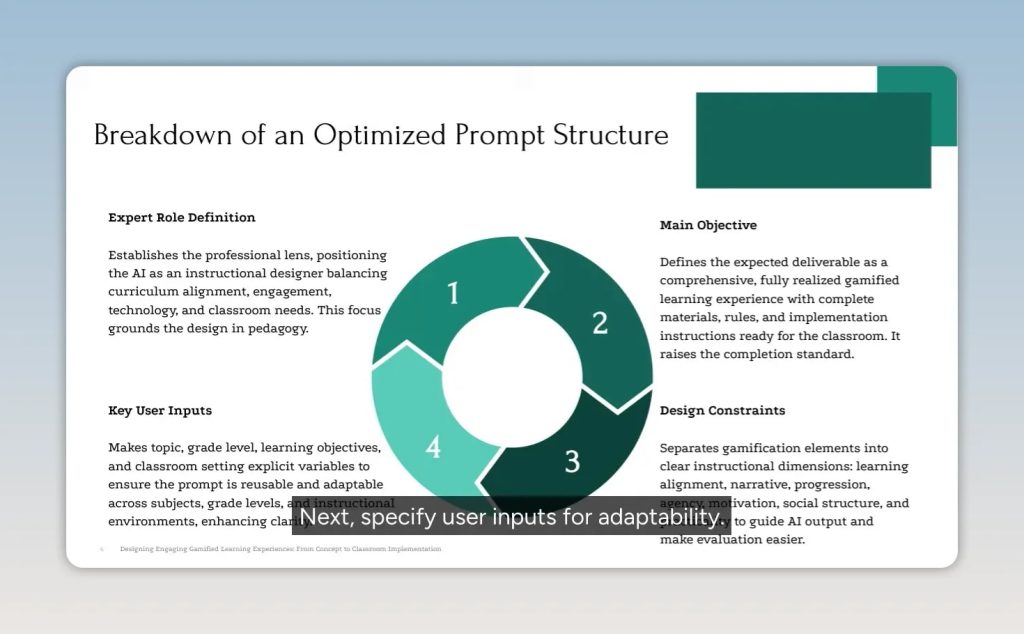
Slide showing a circular four-part breakdown of an optimized prompt structure

7 Design Constraints That Turn Gamification Prompts Into Classroom-Ready Learning Systems

Gamification often sounds easier than it is. The initial idea is appealing: give a unit an immersive theme, let students make choices, reward progress, and build collaboration into the experience. But practical questions arrive quickly. How will the game reinforce the actual learning objectives? Will the challenges build skills instead of simply adding entertainment? Can the system work for English language learners, students with IEPs, and a classroom with limited technology? And where are the handouts, source packets, rubrics, rules, and teacher procedures? A short AI request may generate an engaging concept, but it leaves too many instructional decisions open.

Slide showing role definition scope specification and required components

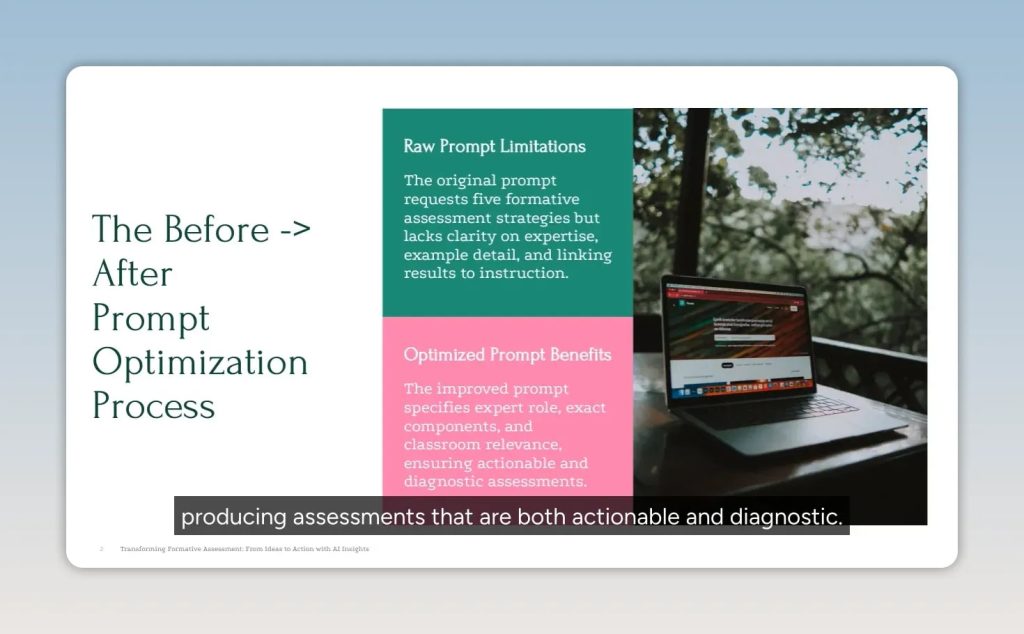
5 Prompt Elements That Turn Formative Assessment Ideas Into Classroom Decisions

Formative assessment matters because it helps teachers understand what students can do now and what teaching move should come next. The challenge is moving beyond a request such as “Give me some assessment ideas” toward strategies that reveal understanding, support different learners, fit the time available, and produce evidence worth acting on. Generative AI can help, but a broad request often produces broad answers: familiar activity names without ready-to-use materials, accessibility supports, or a clear explanation of how results should change instruction. The solution is not simply to ask for more ideas. It is to turn the request into a

Slide comparing a raw prompt and optimized prompt

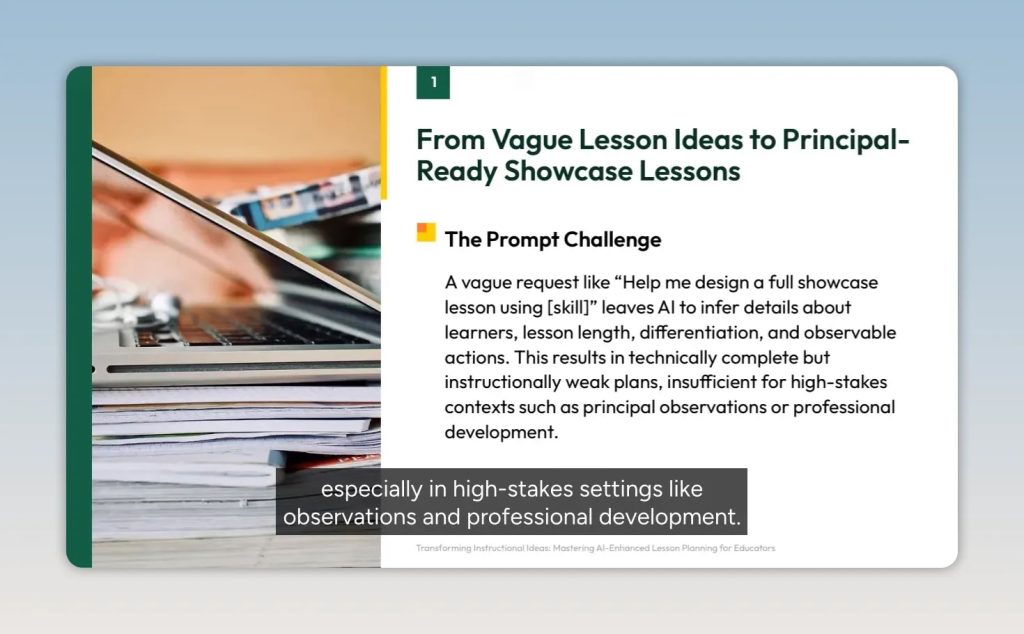
Turn Vague Ideas Into Principal-Ready Lessons With a 3-Part AI Prompt

A teacher can have a strong instructional idea and still receive a weak AI-generated lesson plan. The problem is often not teaching expertise. It is an incomplete request. A prompt such as “Help me create a showcase lesson using Think-Pair-Share” leaves essential decisions to the AI: learner needs, subject content, lesson duration, observable outcomes, differentiation, assessment alignment, and the precise role of the named strategy. The result may look polished while remaining difficult to teach, assess, or defend during a principal observation. For high-stakes settings—including classroom observations, curriculum rollouts, and professional learning—technical completeness is not instructional quality. A stronger approach

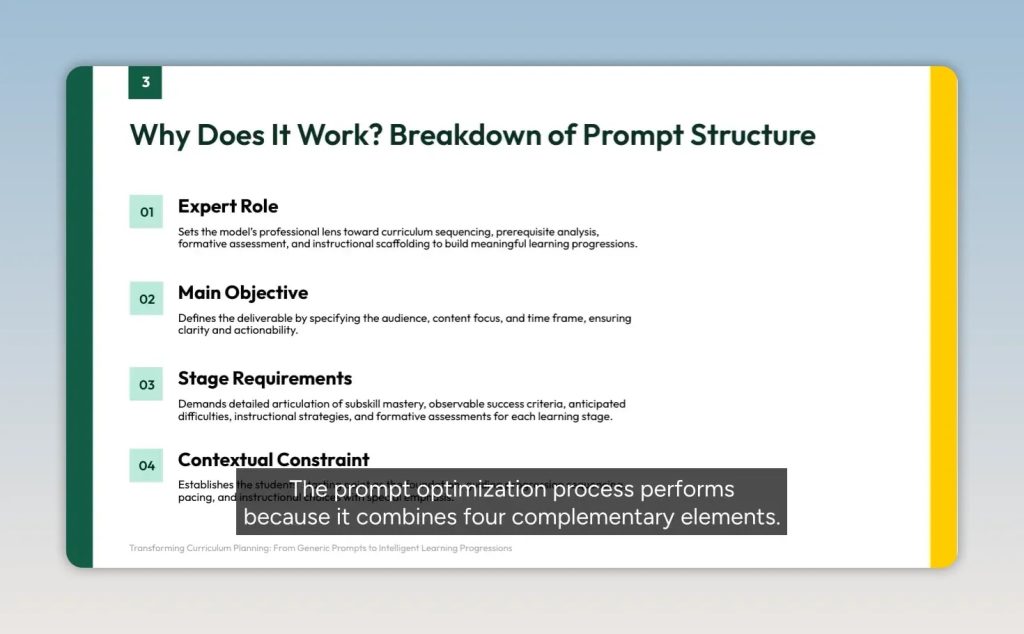
Slide listing expert role, main objective, stage requirements, and contextual constraints

How 4 Prompt Elements Turn AI Outlines Into Usable Learning Progressions

A learning progression is one of the most valuable tools an educator can build—and one of the easiest to make only superficially. An AI-generated plan may arrive with polished headings, activities, and assessments. Yet it can still be difficult to use in practice: stages may not fit the calendar, success criteria may be impossible to observe, assessments may not match instruction, or the sequence may overlook what students already know. The issue is often not the educational goal. It is the gap between what an educator intends and what the prompt actually communicates. A generic request can produce a useful